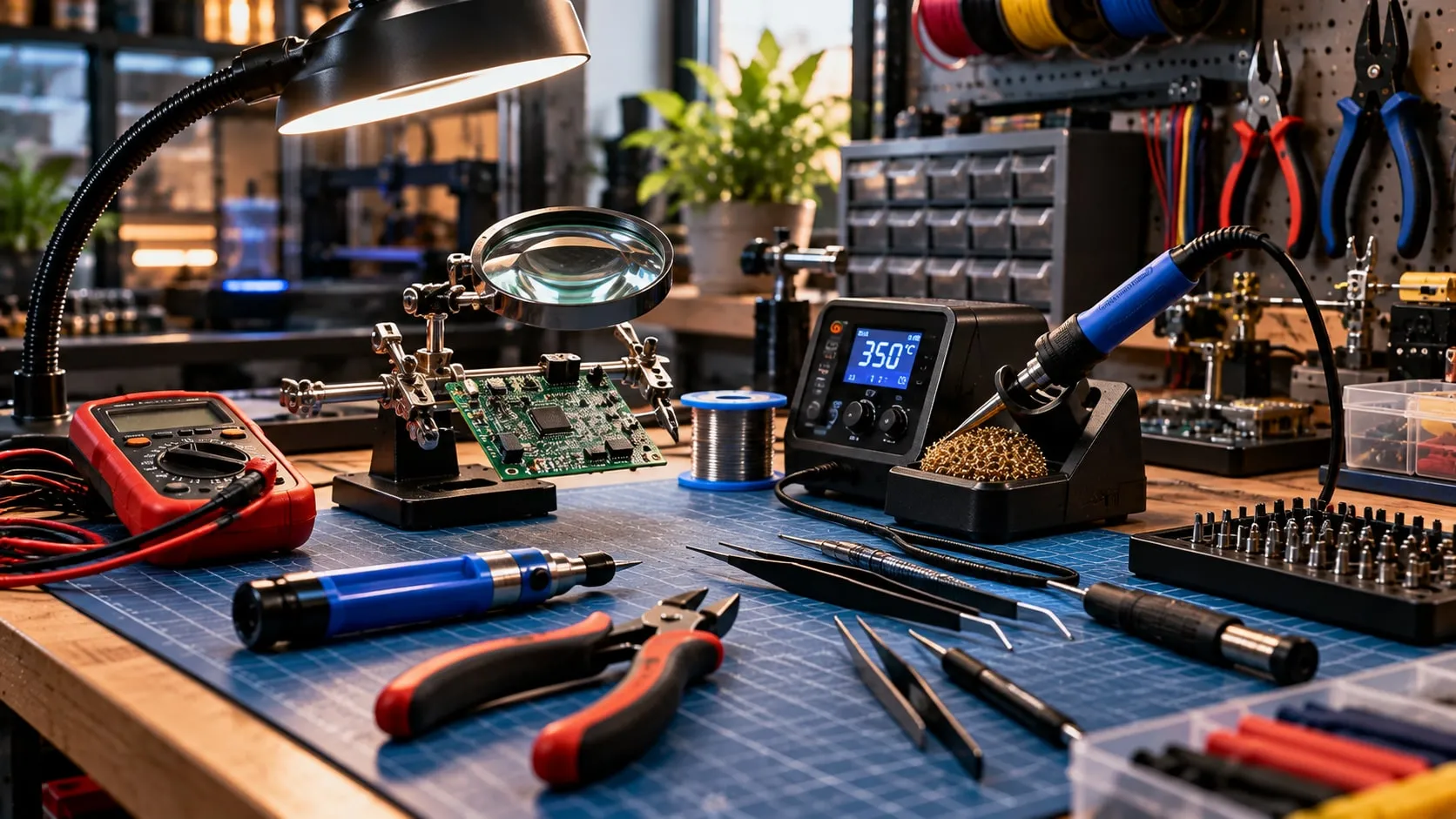
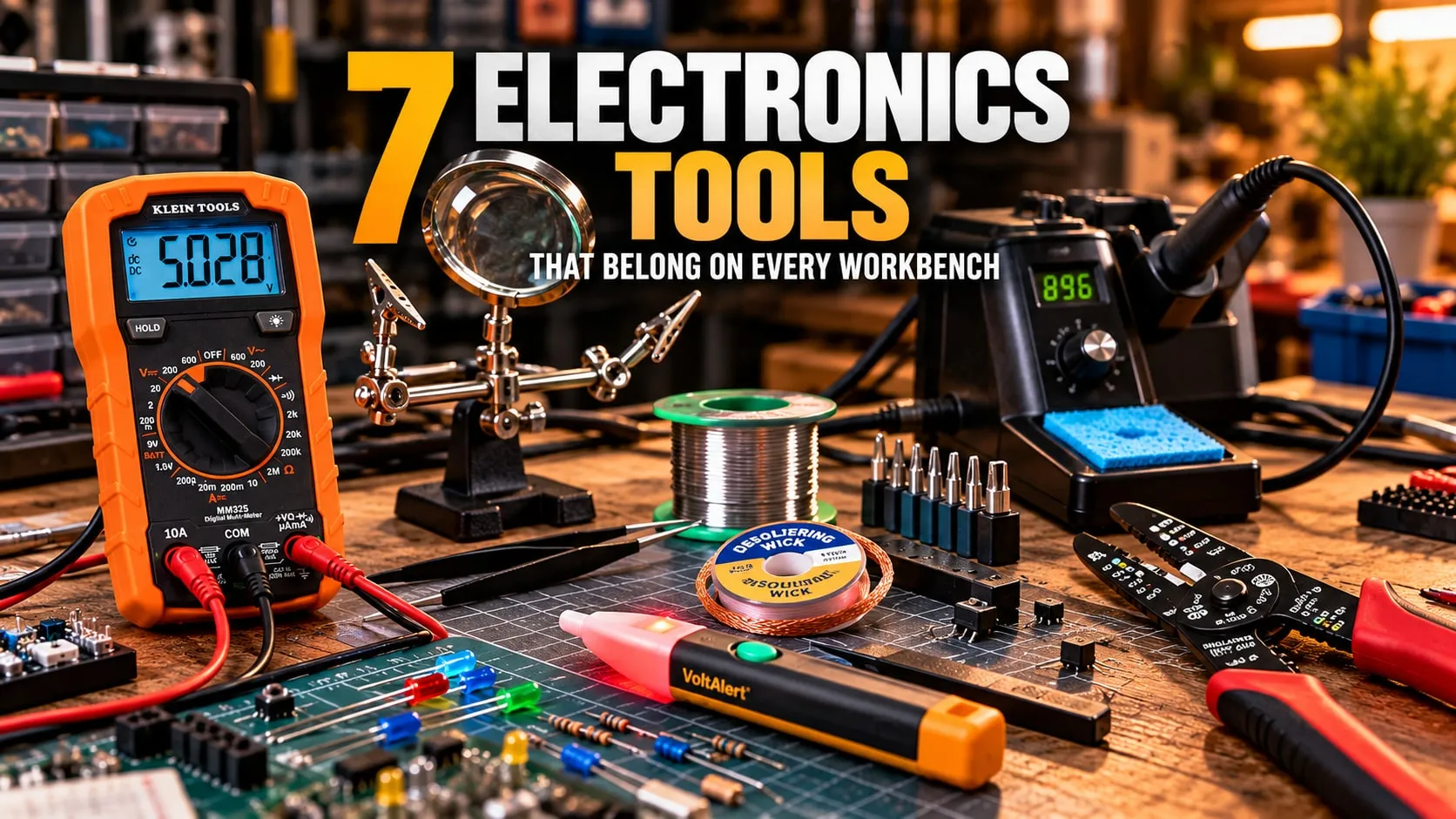
7 Electronics Tools That Belong on Every Workbench
The tools that make soldering, testing and fixing electronics faster — the ones you reach for every single time.
Published October 1, 2026 · 7 picks
At a glance
7 picksAs an Amazon Associate I earn from qualifying purchases. If you buy through a link on this page we may earn a small commission, at no extra cost to you. How this works.

YIHUA
926 III 60W Soldering Station Kit
Kraang Finds
YIHUA 926 III 60W Soldering Station Kit
A real temperature-controlled station — and everything else you need to start soldering — in one box.
The jump from a plug-in soldering iron to a temperature-controlled station is the biggest upgrade in electronics. A cheap iron runs too hot or too cold depending on the moment; a station holds the tip at the number you set, so joints flow cleanly instead of turning into grey blobs. This kit also brings the things you’d otherwise buy one by one: helping hands to hold the board, a solder sucker for mistakes, tweezers and a roll of solder.
Pro tip Clean the tip on the sponge and leave a fresh blob of solder on it before you put the iron back in the holder. That thin coat of tin keeps the tip from oxidizing — a black, dry tip won’t take solder.
Why we like it
- ✓PID control holds the tip at the temperature you set, not wherever it drifts
- ✓Sleep mode cools the tip when you walk away, so it lasts longer
- ✓Comes with six tips, two helping hands, a solder sucker, tweezers and solder
Keep in mind
- !US 110–127 V plug only
- !60 W suits electronics work, but can struggle with thick wire and big ground planes
- Power
- 60 W
- Temperature
- 194–896 °F, PID-controlled
- Display
- Digital, °C/°F switchable
- Sleep mode
- 5 / 10 / 30 min
- Calibration
- Digital temperature calibration
- Tips
- 6 extra (900M series)
- In the box
- Station, 2 helping hands, solder sucker, ESD tweezers, 35 g lead-free solder, sponge
- Mains
- 110–127 V, US plug
Hakko
FX-888DX Digital Soldering Station
Kraang Finds
Hakko FX-888DX Digital Soldering Station
A well-known name in soldering stations — set the temperature with one knob and get on with the work.
If the YIHUA kit is the place to start, this is the natural next step. It does the same core job — hold the tip at a set temperature — from a brand that’s been a standard name in soldering for a long time. The FX-888DX replaces the older button-based setup with a rotary knob, which makes setting the temperature quick and simple.
Pro tip Use the brass tip cleaner for everyday wiping and the wet sponge only now and then. Brass wool cleans without the temperature shock of a wet sponge, which is easier on the tip.
Why we like it
- ✓Rotary knob sets the temperature directly — no button menus
- ✓65 W of power, a step up from the 60 W starter kit
- ✓Hakko is a widely used tip system, so replacement tips are easy to find
Keep in mind
- !Station, iron and one tip only — no helping hands, solder or extras in the box
- !Costs more than the starter kit, and you buy any extras separately
- Power
- 65 W
- Max temperature
- 480 °C (896 °F)
- Control
- Rotary encoder
- Display
- Digital
- Tip included
- T18-D16 chisel, 1.6 mm
- In the box
- Station, iron, holder, sponge, tip cleaner
NEIKO
01902 Helping Hand with Magnifier
Kraang Finds
NEIKO 01902 Helping Hand with Magnifier
Holds the board and the wire, so your hands are free for the iron and the solder.
Soldering needs three hands: one for the iron, one for the solder, one to hold the work. This is the third one. Clip the board or the wire in the jaws, swing the magnifier over the joint, and both of your hands are free. It’s one of the simplest tools on the bench, and one of the most useful.
Pro tip Slip a short piece of heat-shrink over each alligator jaw. It stops the teeth from biting into wire insulation and soft parts.
Why we like it
- ✓Two alligator clips hold the part and the wire while you solder
- ✓2x magnifier on its own arm for small joints
- ✓Heavy cast-iron base keeps it stable
Keep in mind
- !Ball joints can loosen with use and need re-tightening
- !Bare alligator jaws can mark soft wire insulation
- Clips
- 2 alligator clips on adjustable arms
- Magnifier
- 2x, adjustable
- Joints
- Ball joints
- Base
- Cast iron
Essmetuin
Desoldering Wick and No-Clean Flux Paste Kit
Kraang Finds
Essmetuin Desoldering Wick and No-Clean Flux Paste Kit
Wick pulls the mistake off the board; flux makes the next joint actually flow.
Most soldering mistakes get fixed with one of these two. Lay the wick over a bridge or a joint, press the hot iron on top, and the copper braid soaks up the solder like a sponge. The flux is the secret to joints that flow instead of balling up: a tiny dab cleans the oxide off the pad so fresh solder wets it properly.
Pro tip Add a little flux to the wick before you use it, even if it’s already fluxed. Fresh flux makes the braid soak up solder much faster, so you heat the pad for less time.
Why we like it
- ✓Two things every bench runs out of, in one kit
- ✓No-clean flux leaves little residue to wipe off
- ✓2 mm wick works for pads and solder bridges
Keep in mind
- !10 ft of wick is a modest amount if you do a lot of rework
- !Paste flux needs a syringe tip — easy to apply too much
- Wick
- Copper, 0.08 in (2 mm) wide, 10 ft
- Flux
- No-clean rosin paste, 10 cc
- For
- PCB, SMD, BGA rework
WGGE
WG-015 Wire Stripper, Cutter and Crimper, 8 in
Kraang Finds
WGGE WG-015 Wire Stripper, Cutter and Crimper, 8 in
Gauge-marked holes for clean stripping — and it cuts and crimps too.
Stripping wire with a knife or your teeth works until it nicks the copper and the wire snaps a week later. A stripper with gauge-marked holes takes off exactly the insulation and nothing else. This one also cuts, bends wire loops for screw terminals, and crimps insulated and bare terminals, so it covers most of the wiring on a bench.
Pro tip If you’re not sure of the gauge, start in the next larger hole and work down. Too small a hole cuts into the copper; too large just won’t grip the insulation.
Why we like it
- ✓Gauge-marked holes help you strip without nicking the copper
- ✓Cuts, strips, loops and crimps in one tool
- ✓Curved, non-slip rubber grips
Keep in mind
- !10–22 AWG only — too big for thin 26–30 AWG electronics wire
- !Crimp jaws are basic; open-barrel connectors need a dedicated crimper
- Wire range
- 10–22 AWG solid copper or aluminum
- Functions
- Cut, strip, loop, crimp
- Crimps
- Insulated and non-insulated terminals
- Material
- High-carbon alloy steel
- Length
- 8 in
- Warranty
- 24 months
Fluke
1AC II VoltAlert Non-Contact Voltage Tester
Kraang Finds
Fluke 1AC II VoltAlert Non-Contact Voltage Tester
Tells you if a wire is live before you touch it — without touching it.
The most important electrical tool is the one that tells you a wire is live before your hand gets there. Hold the tip near an outlet, a cable or a switch and it lights up and beeps if there’s AC voltage. It’s pocket-sized like a pen, and its continuous self-test helps you trust that it’s working — though checking it on a known live circuit is still the safe habit.
Pro tip Test it on a circuit you know is live right before and after checking the one you’re about to work on. That two-second habit is what makes a “no beep” trustworthy.
Why we like it
- ✓Detects AC voltage without touching bare metal
- ✓Tip glows red and it beeps, so you know at a glance
- ✓Continuous self-test helps confirm the tester is working
Keep in mind
- !AC only — it won't detect DC, batteries or low-voltage circuits
- !A yes/no tester, not a meter — it doesn't tell you how many volts
- Detection range
- 90–1000 V AC
- Alerts
- Red tip light + beeper (silent mode)
- Self-test
- Continuous
- Rating
- CAT IV
- Weight
- 59 g
Klein Tools
MM325 Manual-Ranging Multimeter
Kraang Finds
Klein Tools MM325 Manual-Ranging Multimeter
An everyday meter that shows you which jacks the leads belong in.
The meter you reach for when something on the bench doesn’t work. It covers the everyday checks — voltage, current, resistance, continuity, diodes — and adds a battery test. The best part is the lead alert: small LEDs show which jacks the leads belong in for the setting you’ve chosen, which prevents the classic mistake of measuring voltage with the leads still in the current jack.
Pro tip When you finish a current measurement, move the red lead back to the voltage jack right away. Forgetting it there is a common way to blow a meter’s fuse.
Why we like it
- ✓Lead-alert LEDs show which jacks to use for the setting you picked
- ✓Battery test mode for a quick check of cells
- ✓Kickstand and lead holders on the back for hands-free work
Keep in mind
- !Manual ranging — you choose the range on the dial
- !DC current only (up to 10 A)
- Voltage
- Up to 600 V AC/DC
- Current
- 10 A DC
- Resistance
- Up to 2 MΩ
- Also tests
- Continuity, diodes, batteries
- Display
- Backlit LCD
- Safety
- CAT III 600 V