Akro-Mils
Akro-Mils 10116 16-Drawer Storage Cabinet
Screws and nuts at the desk, electronic components, beads and craft parts, spare 3D printer parts
A palm-sized keyboard and touchpad in one, wireless, so the deck needs no mouse and no USB power for input.
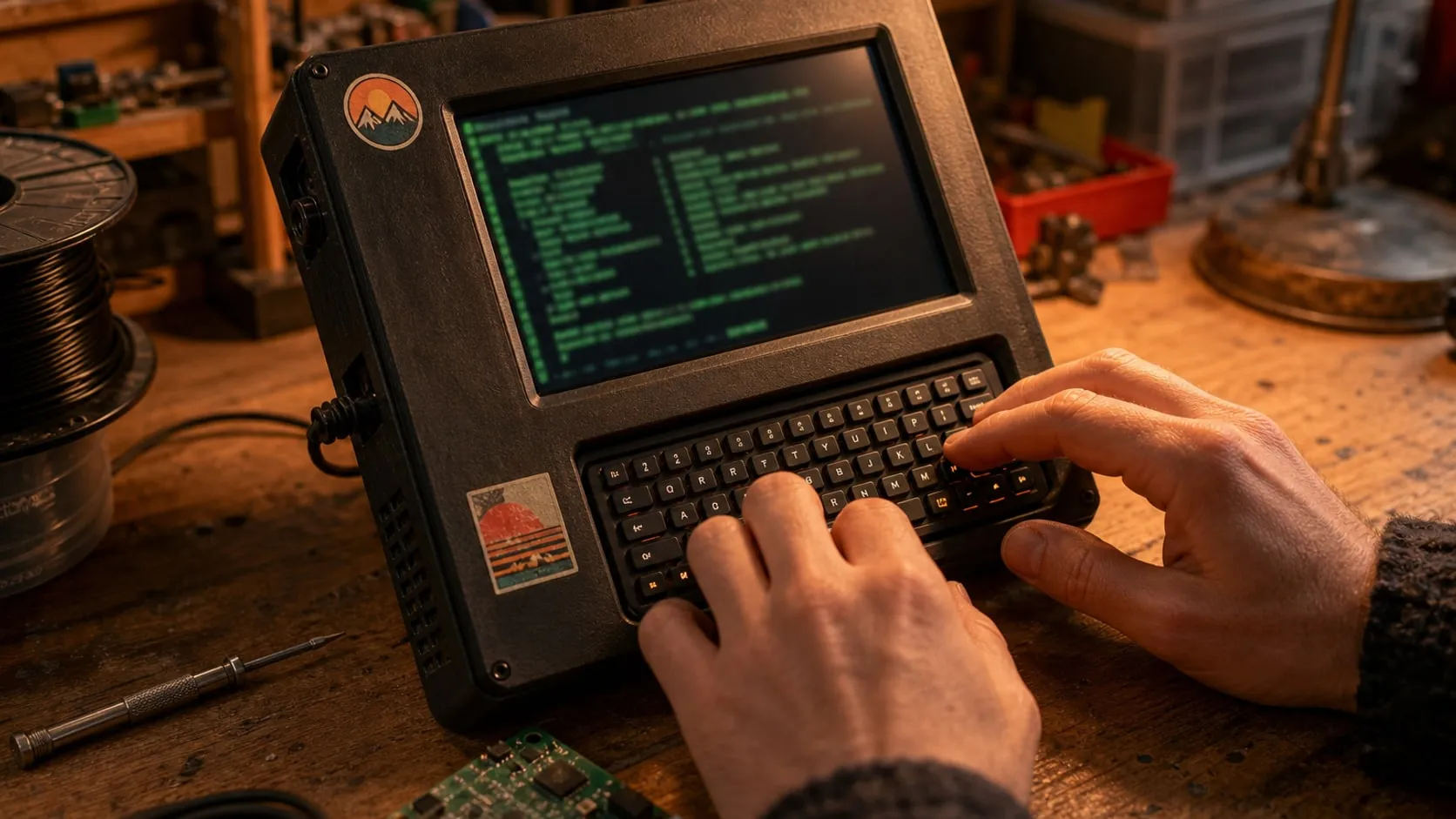
A cyberdeck needs input, and a full keyboard defeats the point of a pocket build. A mini keyboard with a touchpad covers both typing and pointing, and because it’s wireless and charges itself, it takes no current from the Pi’s USB ports — useful when the whole deck runs from a 3 A power bank.
Pair it over the Pi’s built-in Bluetooth, or plug the 2.4 GHz dongle in for a connection that works from the moment the Pi boots. Many builders mount it in a recess below the screen with magnets or Velcro, so it lifts out for couch-style typing.
Pro tip Use the 2.4 GHz dongle while you set the deck up. It works at the login screen and in the boot menu, before Bluetooth has even started.
Why we like it
Keep in mind
As an Amazon Associate I earn from qualifying purchases. If you buy through a link on this page we may earn a small commission, at no extra cost to you. How this works.
Akro-Mils
Screws and nuts at the desk, electronic components, beads and craft parts, spare 3D printer parts
Akro-Mils
Screws and nuts, electronic components, 3D printer spare parts, small craft supplies
Akro-Mils
Wall above the bench, bulk screws and fasteners, filament spares and nozzles, kit parts by project
Anker
First cyberdeck, portable Pi builds, anything that runs on USB-C power